


Claude Haiku 5.5 is Ready





 AI Chat
 AI Image
 AI Video
 AI Writing
 AI Study
 AI Work
 AI Translate






One Platform. Multiple AI Models.
Meet, chat, and create with leading AI models like GPT 6 Luna, Claude Haiku 5.5, Grok-4.1 Fast and more — all in a single, simple platform.



Trusted by millions of users worldwide




Claude Haiku 5.5: Your AI Chat Assistant on ChatGOAT AI
Claude Haiku 5.5 is now available on ChatGOAT AI. Bring your questions, drafts, and everyday work into a conversation. Write an email, summarize the text you provide, explore a coding problem, or get an explanation of an unfamiliar topic. Start with what you need, then refine the response with follow-up questions.
Write and Edit With a Clear Goal
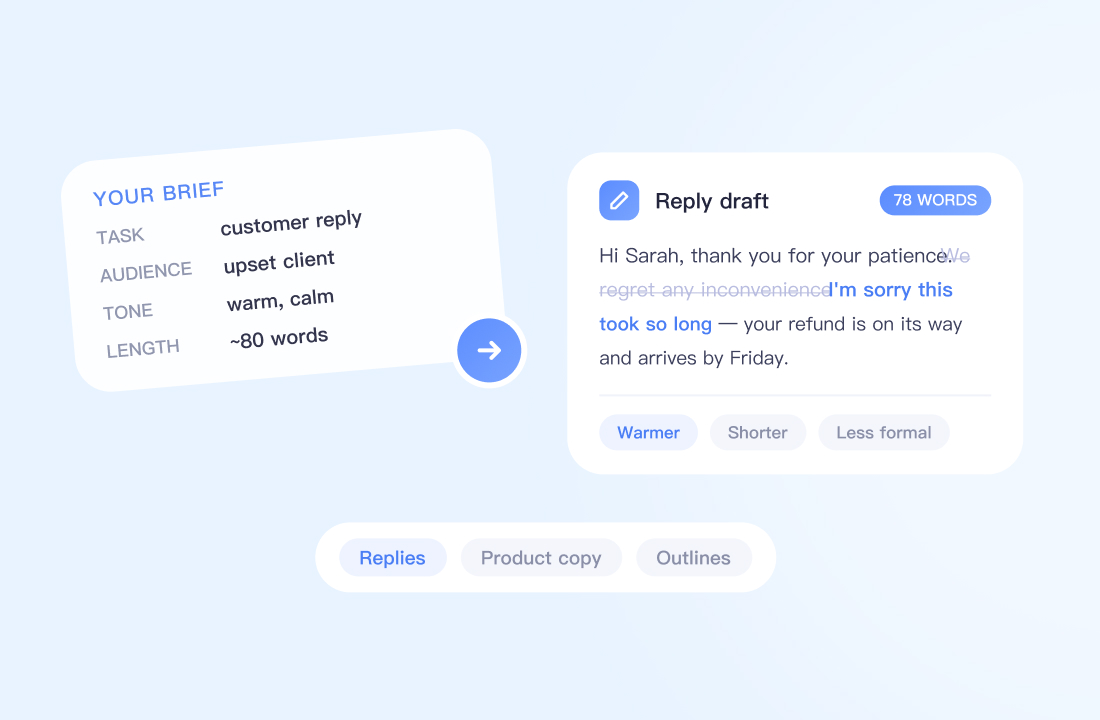
Turn a rough idea into a usable draft. Ask Claude Haiku 5.5 to help with customer replies, internal updates, product descriptions, or article outlines. Specify your audience, tone, and length, then request changes until the wording fits. For existing content, ask it to simplify an explanation, remove repetition, or preserve your main points in a shorter version.
Summarize Text and Find the Details That Matter
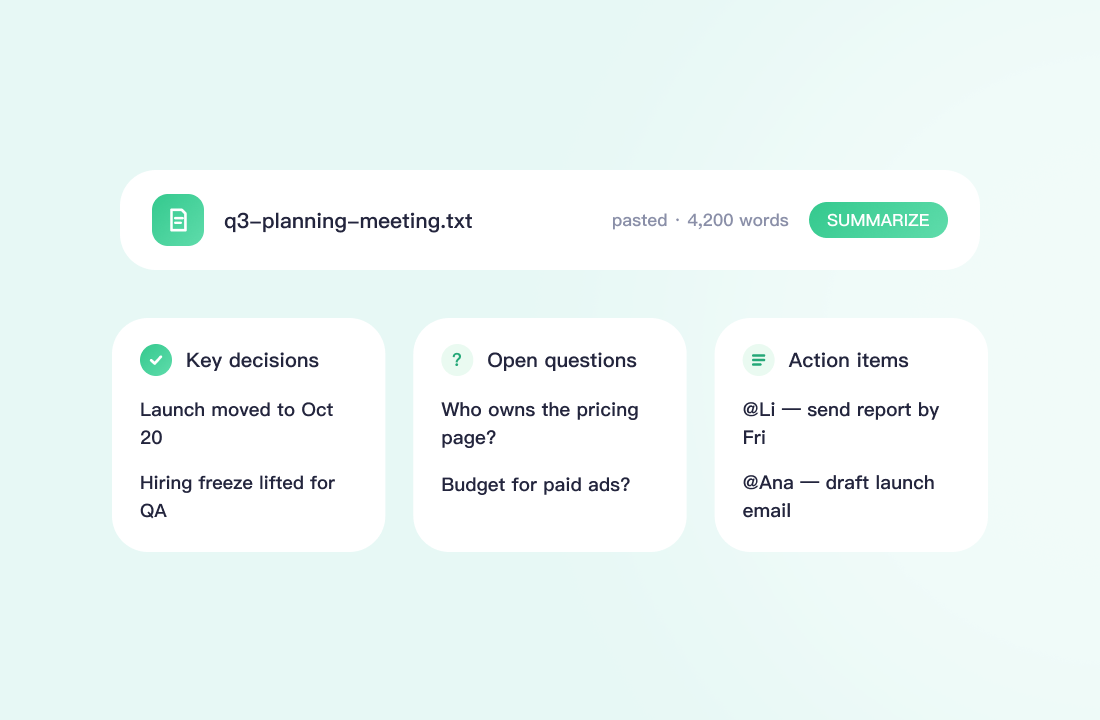
Bring meeting notes, articles, or other relevant text into the chat. Ask for a concise overview, key decisions, open questions, or a structured list of action items. When comparing passages, request differences in scope, requirements, or conclusions. Check important details against the source, especially when a summary will inform a business decision.
Work Through Coding Questions
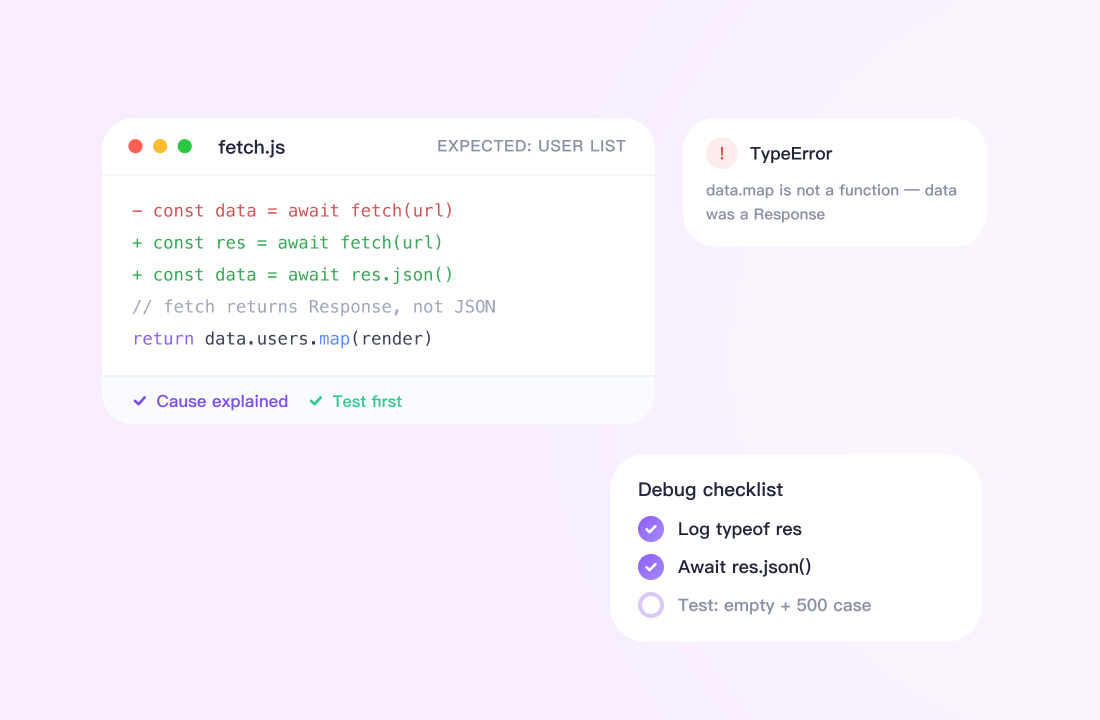
Share a code snippet, an error message, and the behavior you expected. Use Claude Haiku 5.5 to discuss possible causes, understand unfamiliar logic, or develop a debugging checklist. Ask for an explanation of a proposed change and test cases that would help evaluate it. Review suggestions in the context of your project and test generated code before use.
Learn, Brainstorm, and Plan Your Next Steps
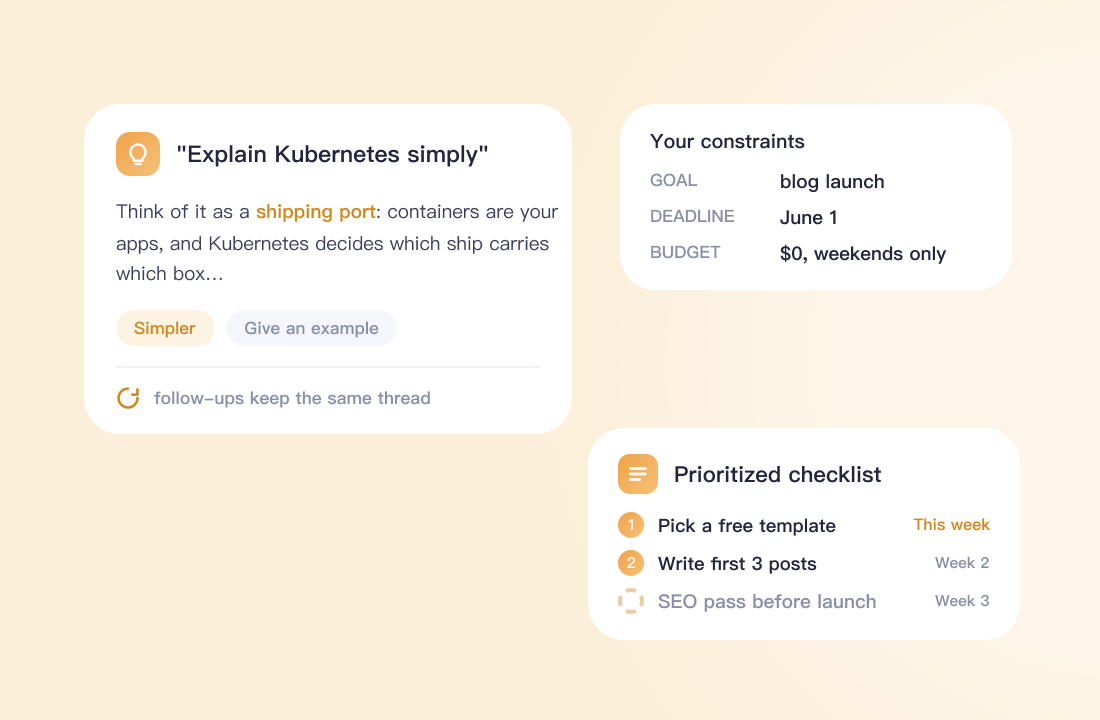
Ask for a plain-language explanation of a new topic, work through an example, or explore different approaches to a problem. For planning, provide your goal, deadline, and constraints, then request an outline or prioritized checklist. Follow up on the parts that need more detail without starting the discussion over.
Why Use Claude Haiku 5.5 on ChatGOAT AI?
Why Use Claude Haiku 5.5 on ChatGOAT AI?

Access From Your ChatGOAT AI Workspace
Select Claude Haiku 5.5 from the available models and begin a conversation where you already work. Check your account’s model access and usage allowances before starting.

Move Between Everyday Tasks
Use chat for drafting, text review, coding questions, and planning. Give each task the relevant context and output requirements so the response stays focused on what you need.

Refine Results Through Conversation
Keep working on a draft or question with targeted follow-ups. Request a different tone, a shorter answer, another example, or a closer examination of one issue.

Choose a Plan That Fits Your Usage
Review ChatGOAT AI’s current plans and limits to understand what your account includes. Model access and platform pricing are governed by ChatGOAT AI’s published account options.
How to Use Claude Haiku 5.5 on ChatGOAT AI
How to Use Claude Haiku 5.5 on ChatGOAT AI
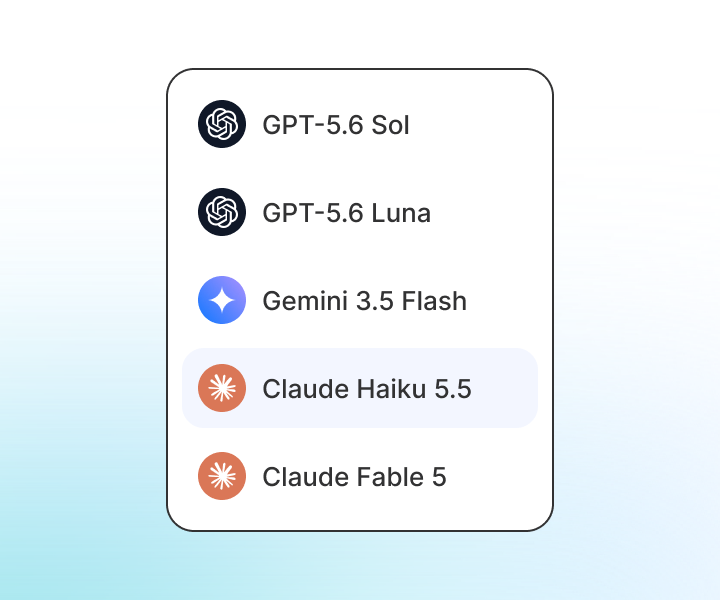
Step 1: Select Claude Haiku 5.5
Open a new conversation, and choose Claude Haiku 5.5 from the model selector. Check any access requirements displayed for your account.

Step 2: Describe Your Task
Explain what you want to achieve and provide the necessary information. Include the audience, desired format, and constraints.
Step 3: Review and Refine
Check the response and request specific improvements. Ask for clarification, adjust the structure, or examine an assumption.
Start Using Claude Haiku 5.5 on ChatGOAT AI
Bring the task in front of you into a conversation. Whether you need a clearer draft, a structured summary, or help thinking through a problem, select Claude Haiku 5.5 and start with your first question.
Everyday Workflows With Claude Haiku 5.5
Everyday Workflows With Claude Haiku 5.5
I usually start with a rough email and ask it to make the message clearer. Being able to adjust the tone in a follow-up is useful when I’m writing to different customers.

I usually start with a rough email and ask it to make the message clearer. Being able to adjust the tone in a follow-up is useful when I’m writing to different customers.
I used it to talk through a code snippet I didn’t understand. The explanation helped me decide what to check next, and I tested the suggested changes in my own environment.

I used it to talk through a code snippet I didn’t understand. The explanation helped me decide what to check next, and I tested the suggested changes in my own environment.
Turning meeting notes into a draft action list is a useful starting point. I still check the owners and deadlines, but it gives me a structure to work from.

Turning meeting notes into a draft action list is a useful starting point. I still check the owners and deadlines, but it gives me a structure to work from.
I bring in the product facts and ask for a few different ways to explain them. It helps me explore wording, then I edit the draft to match our brand.

I bring in the product facts and ask for a few different ways to explain them. It helps me explore wording, then I edit the draft to match our brand.
When an explanation feels too abstract, I ask for a concrete example. Being able to keep asking questions about the same topic makes the conversation useful for studying.

When an explanation feels too abstract, I ask for a concrete example. Being able to keep asking questions about the same topic makes the conversation useful for studying.
I use it to organize a project brief before writing the full plan. Asking it to identify missing information helps me prepare better questions for my team.

I use it to organize a project brief before writing the full plan. Asking it to identify missing information helps me prepare better questions for my team.
Claude Haiku 5.5 FAQ
Everything you need to know about Claude Haiku 5.5
What is Claude Haiku 5.5 on ChatGOAT AI?

How do I access Claude Haiku 5.5?
Is Claude Haiku 5.5 free to use?
Can I use it to write emails and other content?
Can it help me understand or debug code?
Can it summarize documents?
Can it search the web or analyze images?
How can I get more useful responses?