







Top-tier AI models, one-stop drawing
Seamlessly use cutting-edge models like Nano Banana 2 Lite, Nano-Banana 2, Nano-Banana 2.1 without switching applications. From initial sketches to final masterpieces, realize limitless creativity on one platform.



Trusted by millions of users worldwide




GPT Image 3 - OpenAI’s Upcoming AI Image Generator for Creative Work
GPT Image 3 is the expected next step in OpenAI’s image-generation lineup, designed to make high-quality visual creation faster, more controllable, and more practical for everyday creative work. On ChatGOAT AI, it will let you turn prompts, references, and editing instructions into ready-to-use visuals - without an API key or developer setup.
Faster Creation Without Sacrificing Quality
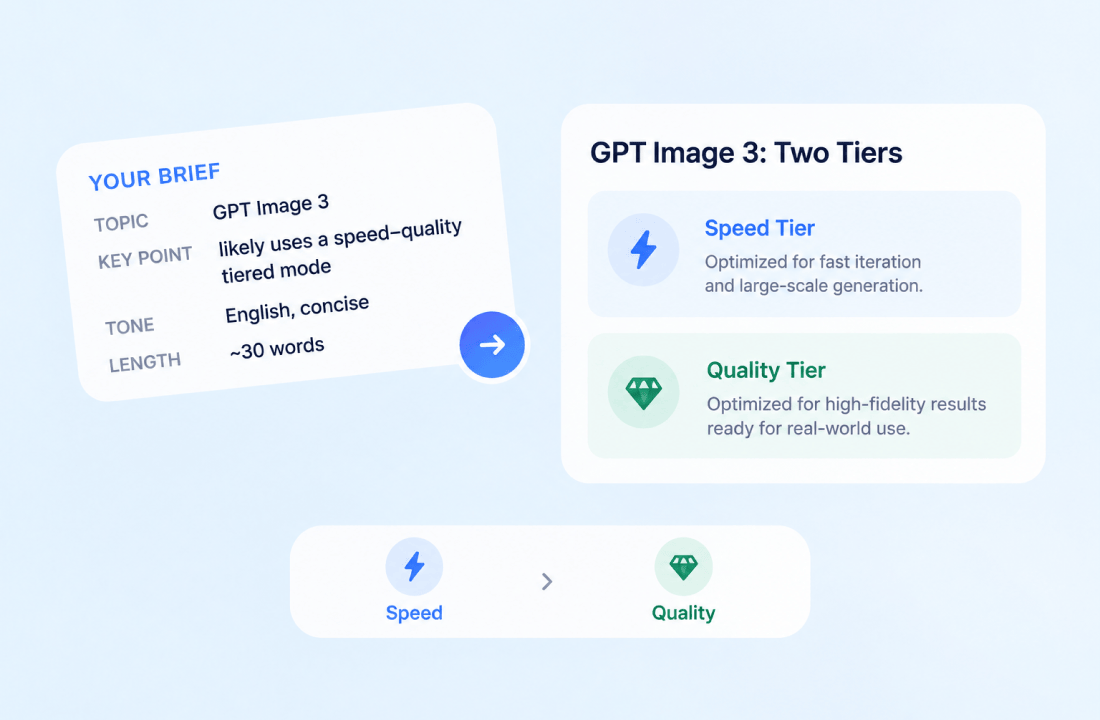
Early community testing suggests GPT Image 3 may follow a speed-quality split: one faster tier for quick iteration and high-volume generation, and another slower tier for higher-fidelity, production-ready results. That would make it useful whether you are exploring dozens of concepts or finalizing a polished campaign asset.
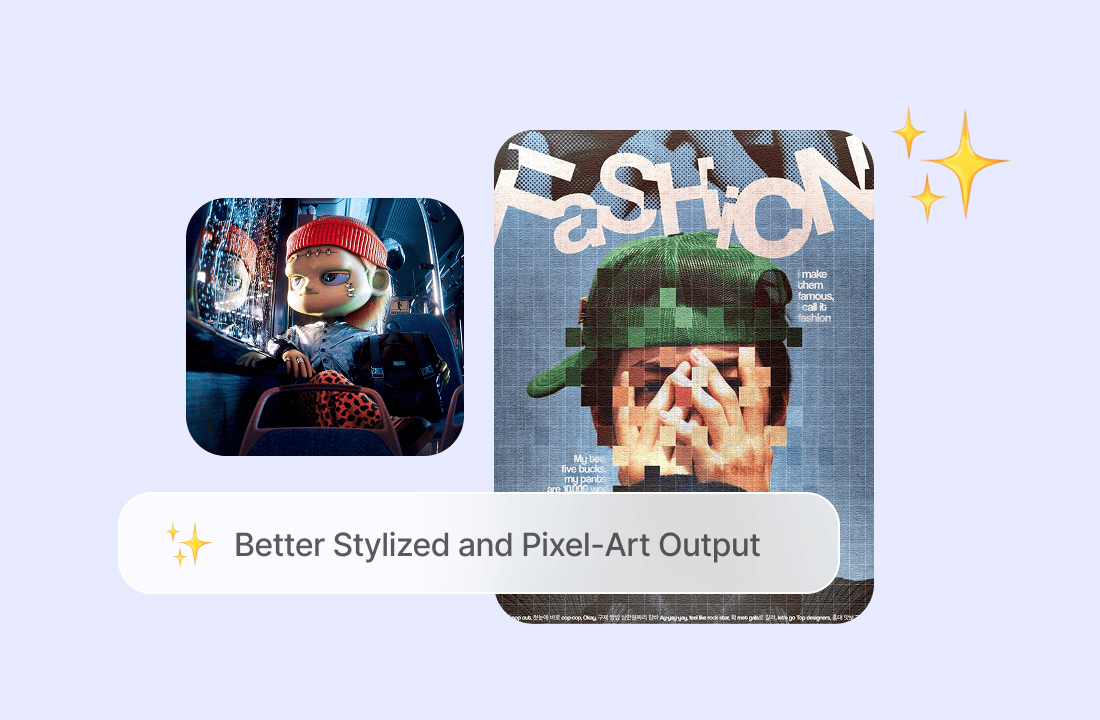
Better Stylized and Pixel-Art Output
One of the most discussed early signals is improved pixel-art generation. A tester reported that pixel art was “finally fixed” in an Aurora model, suggesting GPT Image 3 could be especially useful for game assets, retro interfaces, icons, mascots, and stylized brand visuals—though this remains anecdotal rather than an official benchmark.
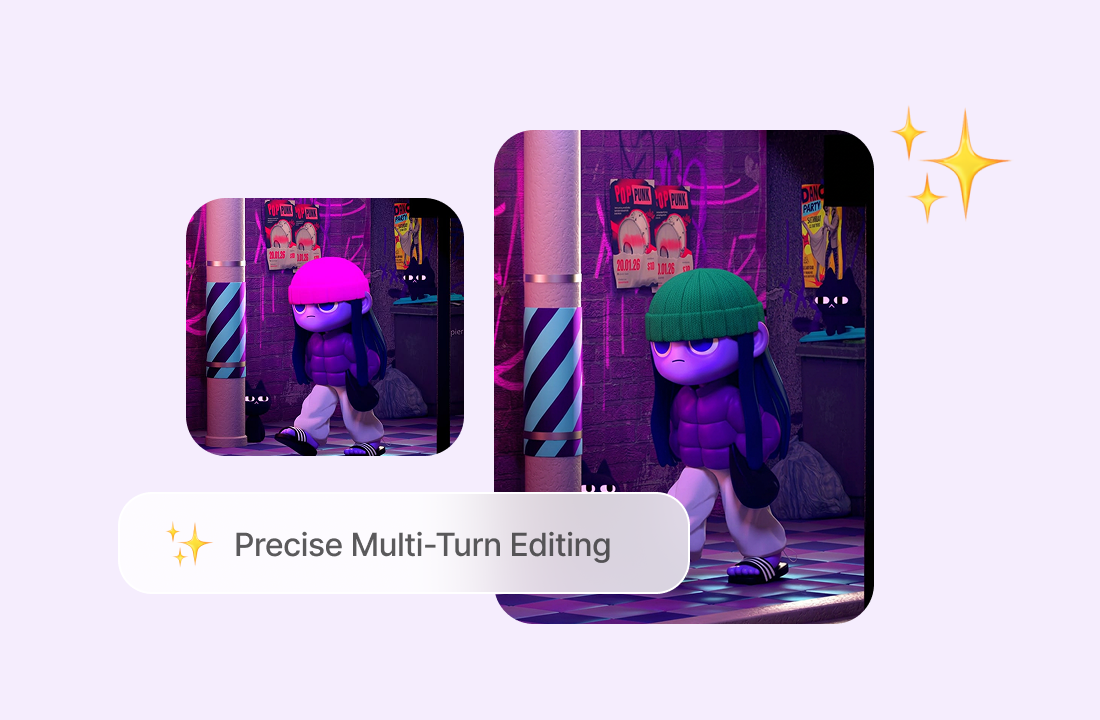
Precise Multi-Turn Editing
GPT Image 3 is expected to build on the multi-turn editing direction introduced by GPT Image 2.5. Instead of starting over after every change, you should be able to refine composition, lighting, text, characters, colors, and details through follow-up instructions—making it better suited to iterative design work.
Text-Heavy Layouts and Multilingual Visuals
The GPT Image family is already known for rendering in-image text across scripts including CJK, Devanagari, and Arabic. GPT Image 3 is expected to extend this strength for posters, ads, social graphics, product labels, presentations, and localized marketing assets, although official specifications have not been published.
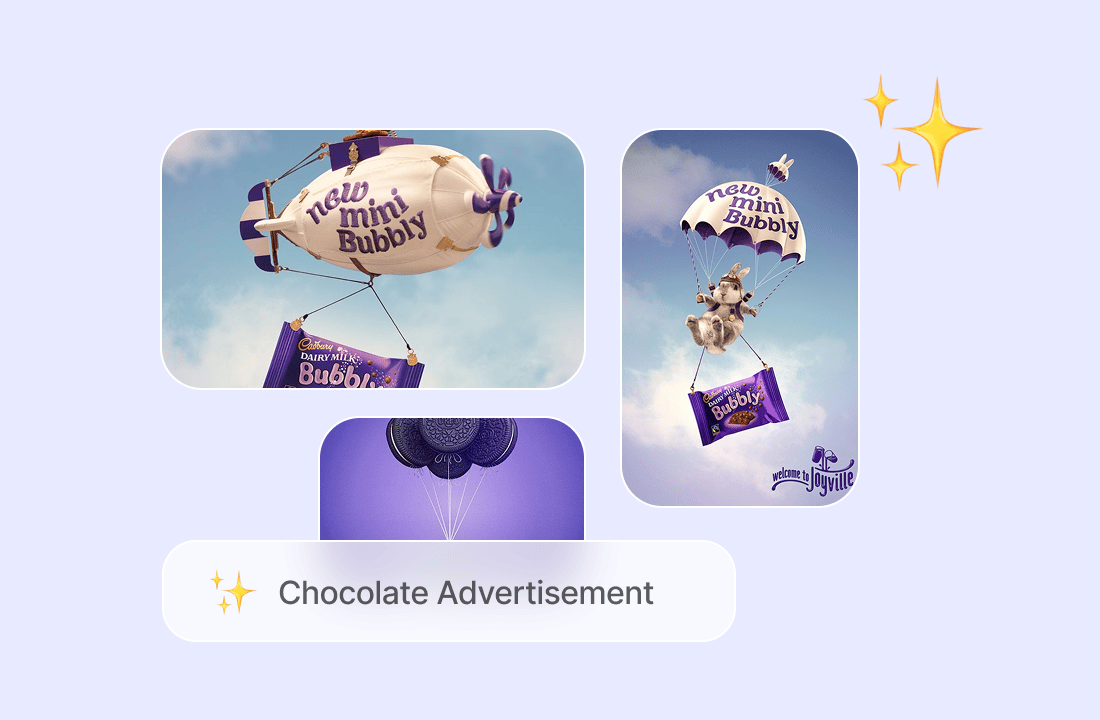
From Idea to Campaign-Ready Visual
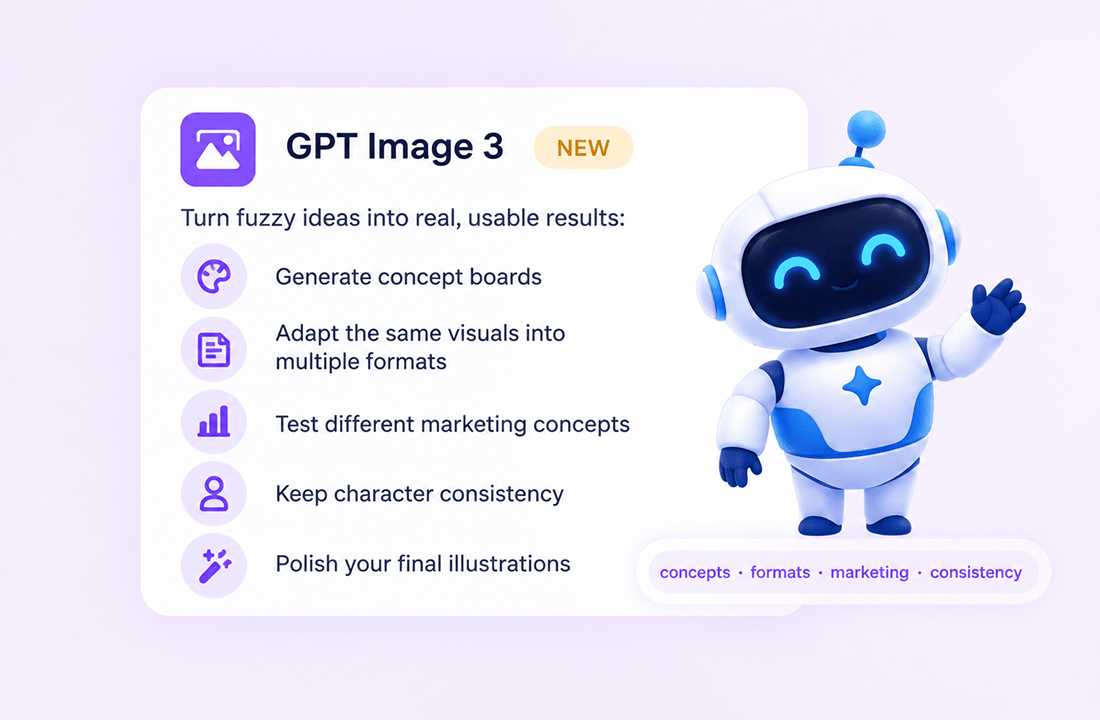
Use GPT Image 3 to move from a rough creative direction to usable output: generate concept boards, adapt a visual for multiple formats, test campaign variations, create character-consistent assets, or polish a final illustration. Its expected tiered design would let you choose speed during exploration and quality during delivery.
Why Choose GPT Image 3 on ChatGOAT AI?
Why Try GPT Image 3 on ChatGOAT AI

One Unified AI Workspace
When GPT Image 3 is integrated into ChatGOAT AI, you will be able to generate and refine images alongside supported chat, coding, and research models. No integration is confirmed yet; availability depends on OpenAI’s official release.

Built for Creative and Professional Work
Try a repeatable task: create a product hero image, turn a brief into three campaign concepts, generate a pixel-art game asset, or produce a localized social post with readable text. A consistent test will show whether it improves your creative workflow.

Clear Model Positioning
GPT Image 3 is not simply a replacement for GPT Image 2.5. GPT Image 2.5 is OpenAI’s current released image model, available as gpt-image-2.5-flare for lower-latency generation and gpt-image-2.5-sunburst for more precise output. GPT Image 3 is expected to push image quality, edit control, and creative flexibility further.

Simple, Flexible Access
ChatGOAT AI is designed to make experimentation simple: open the image page, choose GPT Image 3, describe your visual, upload references if supported, and iterate through follow-ups. No API key or developer setup is required.
How to Use GPT Image 3 on ChatGOAT AI
How to Use GPT Image 3 on ChatGOAT AI
Step 1: Open GPT Image 3 on ChatGOAT AI
Go to the GPT Image 3 page on ChatGOAT AI and select GPT Image 3 from the model selector once it becomes available.
Step 2: Describe Your Visual and Add References
Write a clear prompt describing subject, style, composition, mood, colors, aspect ratio, and any text you want in the image. Upload a reference image or brand asset if reference-based editing is supported.
Step 3: Refine the Result with Follow-Ups
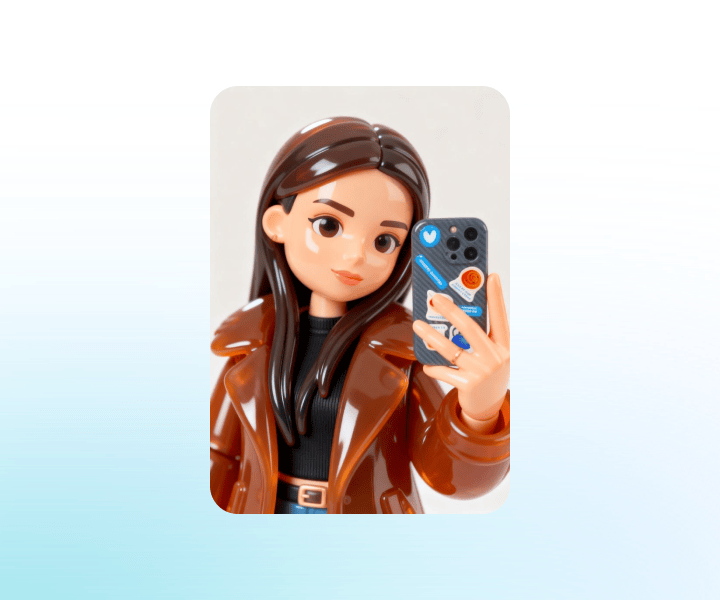
Review the first image and continue the conversation: adjust lighting, replace elements, change the style, fix text, or create alternate versions for A/B testing.
Try GPT Image 3 on ChatGOAT AI Soon
Get ready to test GPT Image 3 on your real creative work—social content, advertising concepts, product visuals, game assets, brand illustrations, and multilingual marketing designs. Join ChatGOAT AI and be among the first to try it when it becomes available.
What Users Say About GPT Image 3
What Users Say About GPT Image 3
I can explore a dozen visual directions in minutes, then refine the strongest one into a polished hero image. It fits the way our creative team actually works.

I can explore a dozen visual directions in minutes, then refine the strongest one into a polished hero image. It fits the way our creative team actually works.
The pixel-art output feels deliberate and clean. I can create icons, tiles, and small game assets without constantly cleaning up visual noise.

The pixel-art output feels deliberate and clean. I can create icons, tiles, and small game assets without constantly cleaning up visual noise.
For multilingual ad creative, readable in-image text is what turns a rough concept into something I can confidently show a client.

For multilingual ad creative, readable in-image text is what turns a rough concept into something I can confidently show a client.
Being able to adjust the background, product angle, and headline through follow-up prompts saves me from rebuilding the entire image every time.

Being able to adjust the background, product angle, and headline through follow-up prompts saves me from rebuilding the entire image every time.
I use it to turn a campaign brief into mood boards, social variations, and final layouts. It keeps the visual language consistent across formats.

I use it to turn a campaign brief into mood boards, social variations, and final layouts. It keeps the visual language consistent across formats.
For product launches, I can generate lifestyle scenes, packaging concepts, and localized social assets in one workflow instead of juggling separate tools.
For product launches, I can generate lifestyle scenes, packaging concepts, and localized social assets in one workflow instead of juggling separate tools.
FAQ
FAQ
What is GPT Image 3?

Is GPT Image 3 available on ChatGOAT AI?
What makes GPT Image 3 different from GPT Image 2.5?
Can GPT Image 3 create pixel art and game assets?
Can GPT Image 3 render text in images?
What is GPT Image 3 best for?
Does GPT Image 3 replace GPT Image 2.5?
Is GPT Image 3 officially released?