








Top-tier AI models, one-stop drawing
Seamlessly use cutting-edge models like Nano Banana 2 Lite, Nano-Banana 2, Nano-Banana 2.1 without switching applications. From initial sketches to final masterpieces, realize limitless creativity on one platform.



Trusted by millions of users worldwide




Nano Banana 2.1 AI Image Generator - Generate & Edit 4K AI Images Online
Nano Banana 2.1 is Google’s latest high-efficiency image generation and conversational editing model, built on Gemini 3.6 Flash. It combines Flash-level speed with stronger visual quality, prompt adherence, text rendering, and subject consistency, making it well-suited for posters, product visuals, infographics, and multi-step image edits.
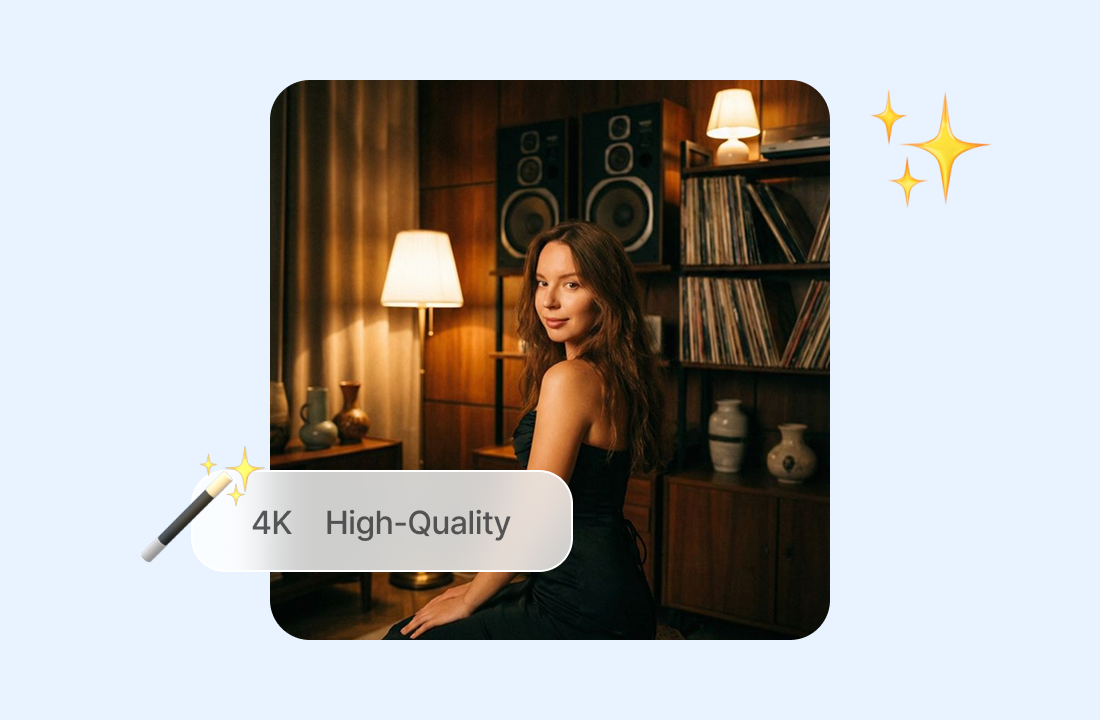
High-Quality Images Up to 4K
Generate detailed images in 1K, 2K, or 4K resolution, with improved realism and better handling of wide and panoramic aspect ratios such as 1:4, 4:1, 1:8, and 8:1.
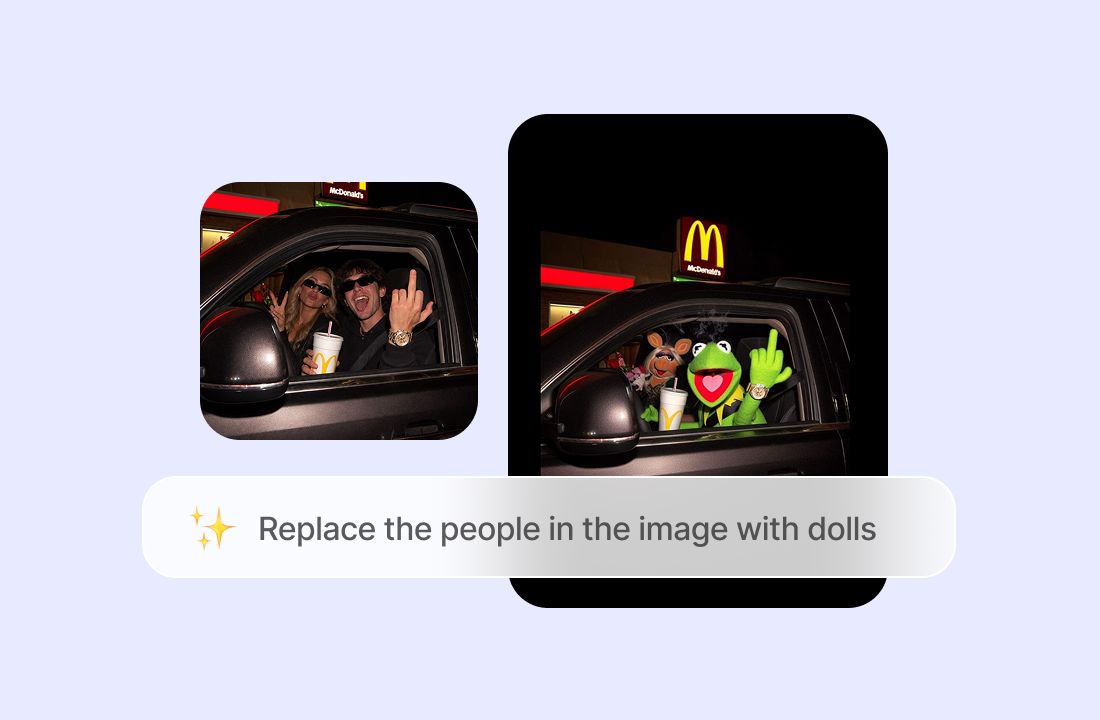
Conversational Image Editing
Upload an image and refine it through follow-up prompts - change backgrounds, adjust products, restyle scenes, or edit selected areas while keeping the original visual direction intact. Nano Banana 2.1 supports improved mask-based editing and consistency across repeated edits.
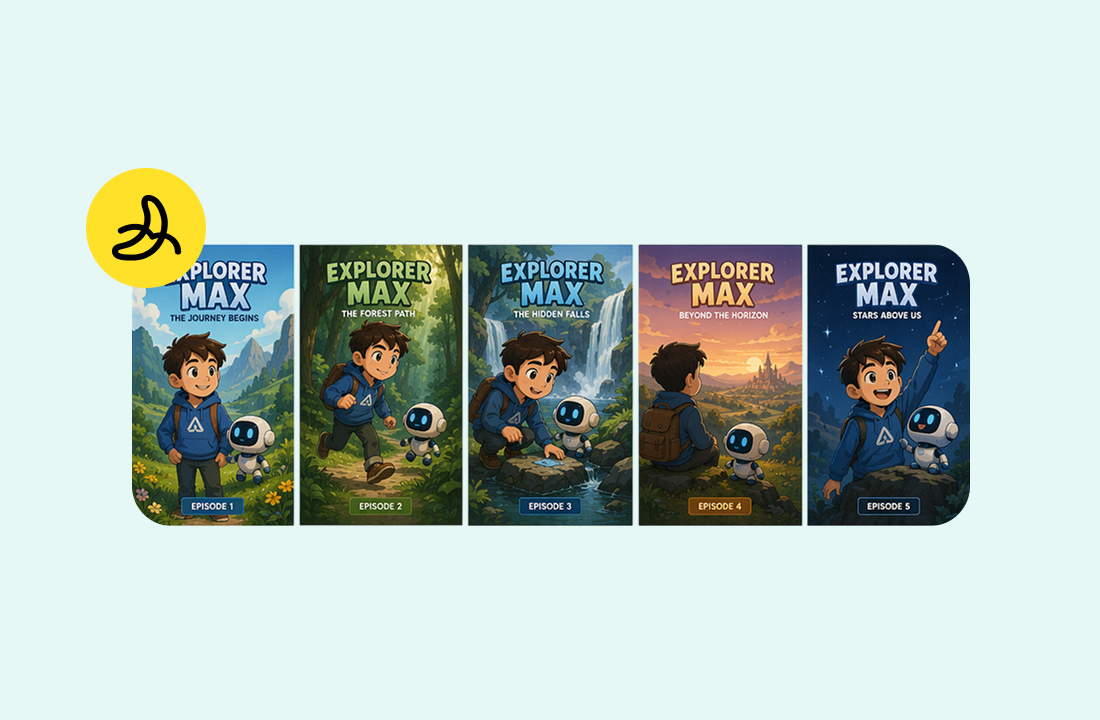
Consistent Characters and Products
Use up to 14 reference images while maintaining consistency for up to four characters and fidelity for up to ten objects. This makes the model useful for brand assets, character sets, product mockups, and campaign visuals.
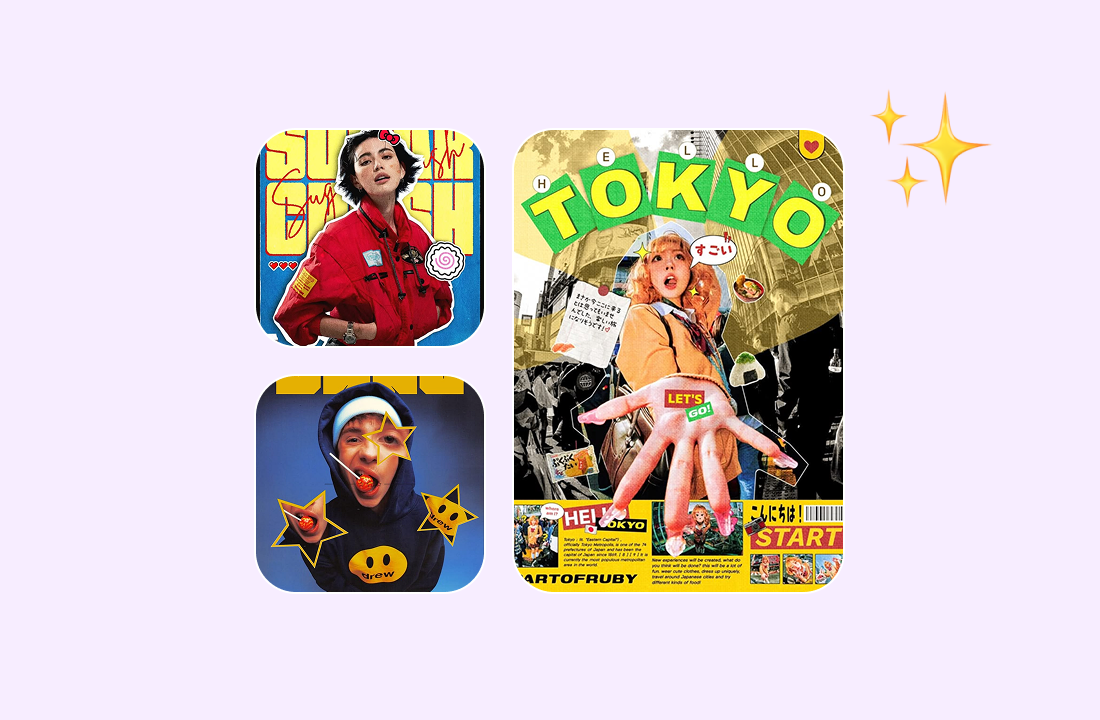
Clear Text and Infographics
Nano Banana 2.1 improves text rendering and infographic layout accuracy, helping you create posters, diagrams, localized marketing assets, and visual explainers with more readable on-image text.
Why Choose Nano Banana 2.1 on ChatGOAT AI?
Why Choose Nano Banana 2.1 with ChatGOAT AI

Explore More AI Models
Try Nano Banana 2.1 alongside other AI image and video models to compare different approaches. Switch between models when you want to experiment with different visual styles, generation methods, or creative directions.

Build Supporting Visuals in One Place
Your design project may need more than image generation. Generate videos, remove backgrounds, or create logos and other supporting content without moving to another platform.

Use AI Beyond Creative Projects
ChatGOAT AI also includes tools for writing, learning, translation, research, and everyday work. Whether you are drafting content, studying a topic, analyzing documents, or planning a project, you can use AI for more than just creating visuals.

Move from Idea to Execution
Keep different parts of your workflow connected in one place. Develop an idea with AI chat, create reference images, refine visuals through conversational editing, and continue working on related tasks without constantly switching between separate AI services.
How to Use Nano Banana 2.1 on ChatGOAT AI
How to Use Nano Banana 2.1 AI Image Generator
Step 1: Select Nano Banana 2.1
Choose it from the model menu for image generation, editing, or multi-reference workflows.
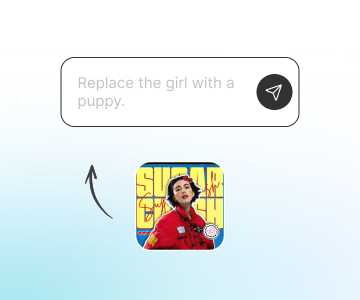
Step 2: Describe Your Image or Upload a Reference
Enter a detailed prompt, attach images, and specify style, aspect ratio, resolution, and text requirements.
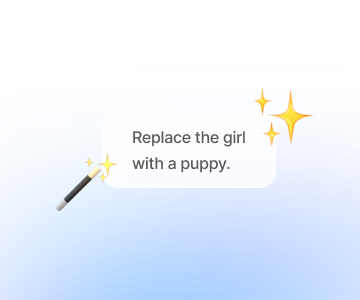
Step 3: Refine through Conversation
Ask for targeted changes - such as lighting, composition, product placement, or character consistency - until the result matches your needs.
Try Nano Banana 2.1 on ChatGOAT AI Now
Test Nano Banana 2.1 on your real creative work - posters, product visuals, infographics, brand assets, and character sheets. Start free in your browser.
See What Users Can Create with Nano Banana 2.1
See What Users Can Create with Nano Banana 2.1
I created a full set of product visuals from five reference photos. The bottle, label, and color palette stayed consistent across every variation.

I created a full set of product visuals from five reference photos. The bottle, label, and color palette stayed consistent across every variation.
The infographic prompt was the biggest surprise. It actually rendered the headings and labels clearly instead of producing unreadable AI text.

The infographic prompt was the biggest surprise. It actually rendered the headings and labels clearly instead of producing unreadable AI text.
I uploaded a character sheet and asked for different poses. Nano Banana 2.1 kept the face, outfit, and proportions much closer than the tools I used before.

I uploaded a character sheet and asked for different poses. Nano Banana 2.1 kept the face, outfit, and proportions much closer than the tools I used before.
For localized ad creatives, it handled multiple languages reasonably well. I still proofread important copy, but the editing workflow saves me hours.

For localized ad creatives, it handled multiple languages reasonably well. I still proofread important copy, but the editing workflow saves me hours.
I used it to turn a rough sketch into a clean landing-page hero image. The 4K output was sharp enough to use without upscaling.

I used it to turn a rough sketch into a clean landing-page hero image. The 4K output was sharp enough to use without upscaling.
The conversational editing is what I like most. I can say ‘make the background brighter but keep the product unchanged’ and get a usable revision quickly.

The conversational editing is what I like most. I can say ‘make the background brighter but keep the product unchanged’ and get a usable revision quickly.
FAQ
FAQ
What is Nano Banana 2.1?

What can Nano Banana 2.1 create?
Can Nano Banana 2.1 generate images from text?
Can Nano Banana 2.1 edit existing images?
Does Nano Banana 2.1 keep characters consistent?
Does Nano Banana 2.1 support 4K?
How does Nano Banana 2.1 compare with Nano Banana 2?
Is Nano Banana 2.1 free?
Are there limitations?